Making vehicles in Stable Diffusion

Simple guide to how I bash together vehicles in Stable Diffusion.
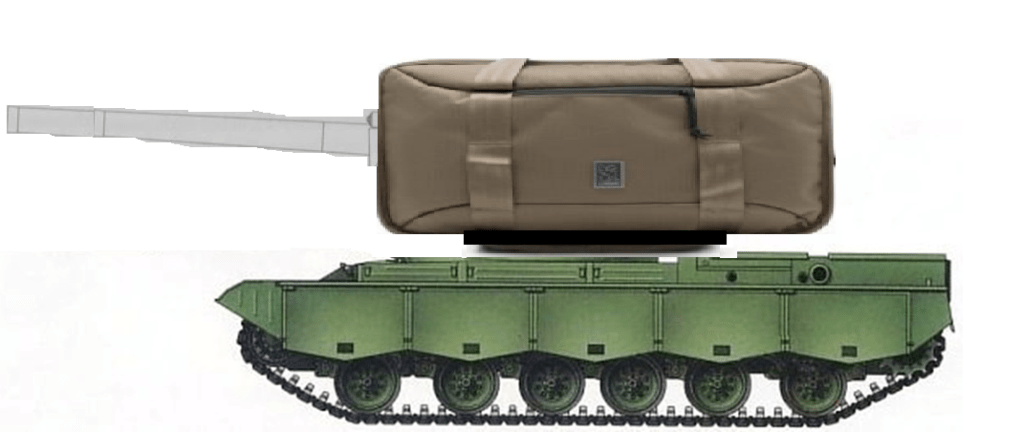
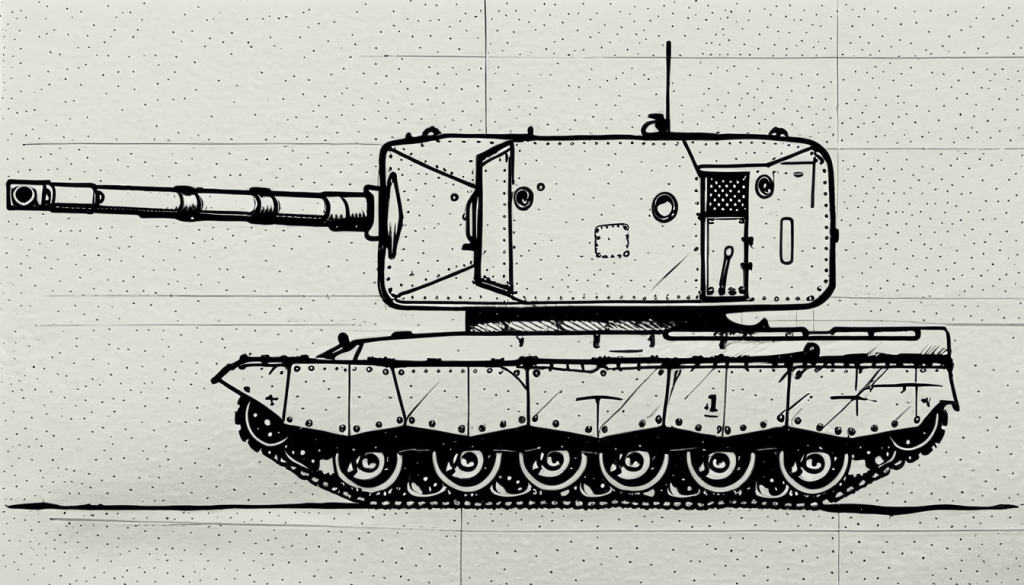
First assemble the shape. In this case it’s the bottom of a tank, a suitcase (!), and a line drawing of a large-caliber field piece.

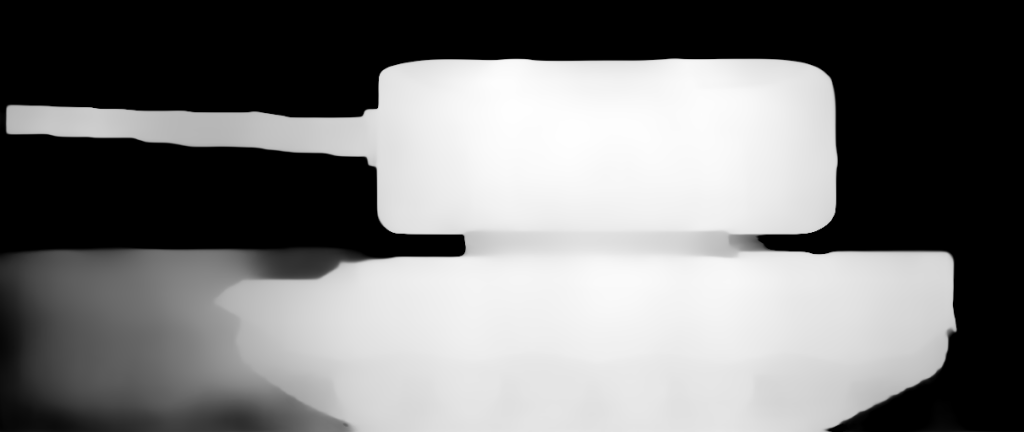
Then load up Stable Diffusion with a controlnet, in this case, depth.

Use the model and prompt (In this case I use Helloworld 6.0), make sure the controlnet is enabled but not too high, and you get…

One self-propelled AH vehicle!

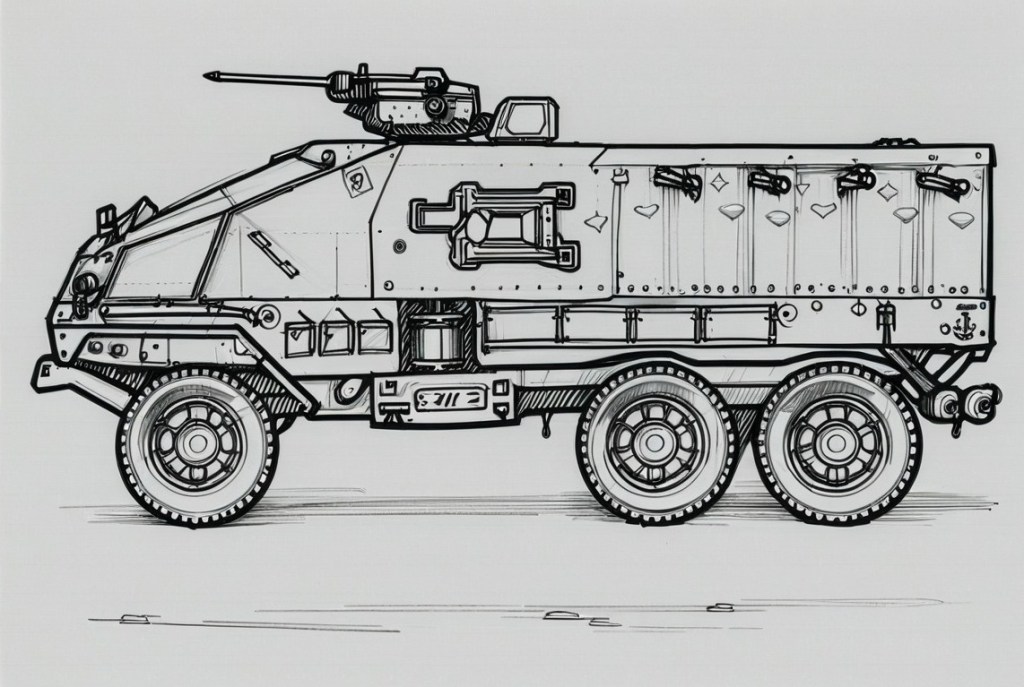
The BTR-92

Stable Diffusion has given me the chance to bring a vehicle from All Union to life. Now I had a vision of what the “BTR-92”, the wheeled mainstay of the Mobile Corps, looked like, but on the pages it was described only as “blocky” (and wheeled).

So how I made it: I first smushed some elements together externally. The top and turret came from other APCs, while the bottom (possibly meant to symbolize it being built on that truck’s chassis) came from a Ural-4320. Then I used it as the outline for a controlnet to avoid the “AI doesn’t know what shape to make it” issue.

It’s of course not perfect and with some nitpicking/hindsight, I’d probaby make something that looks less like a low-end APC/MRAP and more like a futuristic advanced one. But it’s still the general shape I wanted, and it was still very fun to make.

The Cosmic Angels

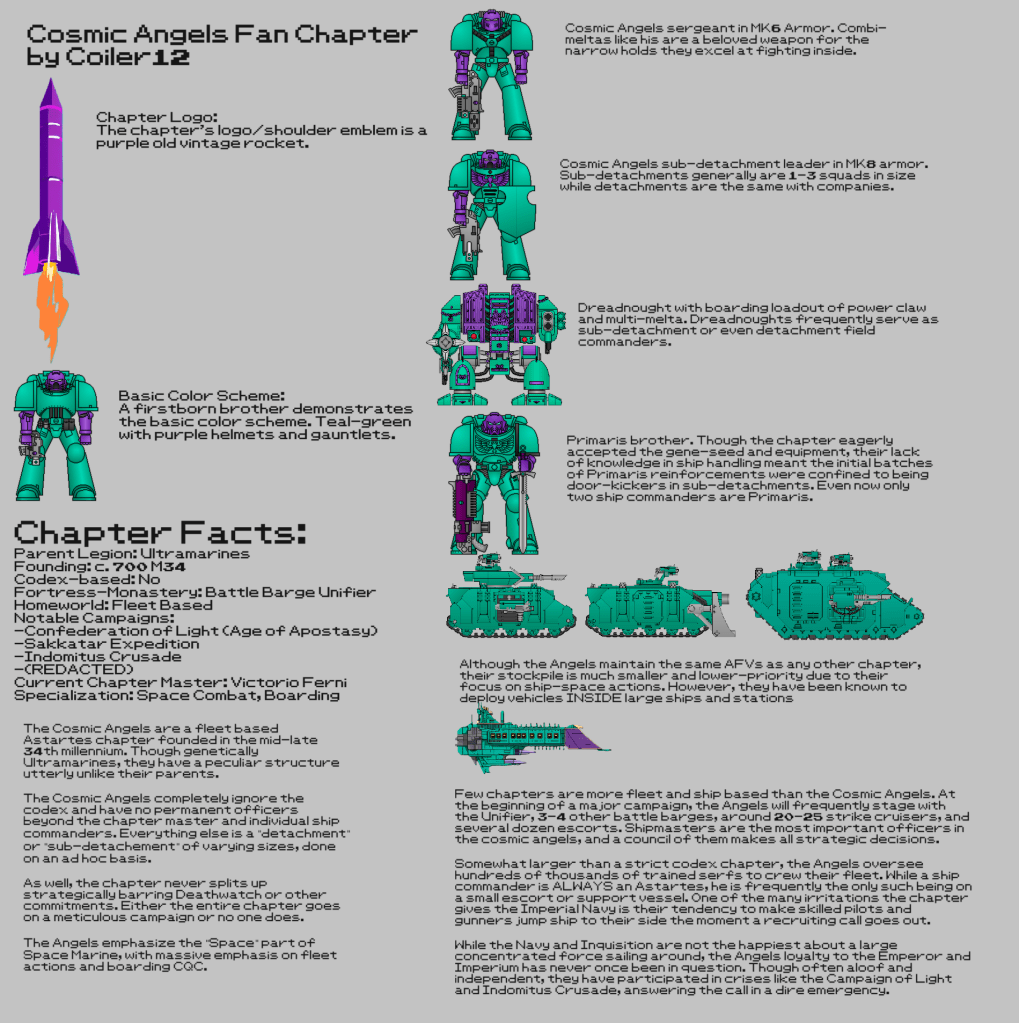
When it comes to Warhammer 40k, I do not have the highest opinion of or interest in the setting’s mascots. I’ve been an Imperial Guard fanatic (no not that kind) since day one of my interest in the setting, and this also applies to their spacefaring counterparts in their humongous flying cathedrals. However, I have made several fan Space Marine chapters (as every 40k fan is obligated to do), and the one with the most detail is the Cosmic Angels. With the aid of Stable Diffusion and some online “marine coloring tools” I made this infographic on them.

(And yes, it is definitely, totally a coincidence that my interest in Starmada and constant setting crossover battles coincides with me elevating an extreme fleet based chapter. Totally. A. Coincidence.)

Forge-ing ahead

For pretty much my entire Stable Diffusion use, I’ve been using the A1111 web interface. Now Forge, a newer and faster/more efficient version of it, is out. I’ve installed it. The problem is moving over, both literally (ie all my extensions/models) and metaphorically.

Well, you have to start somewhere…

Eurasia Aviation

Eurasia Aviation is a fictional company of mine that I can plop into basically any setting I want that’s appropriate.

Logo created in Stable Diffusion XL
Eurasia aircraft factory, also created in Stable Diffusion. Don’t ask exactly what the cone-thing is for, I just thought it’d look cool

Eurasia is an unashamed way for me to put any never-was alternate history aircraft (or even aircraft concept) into production. Since it’s a conglomerate with a presence on every continent, it can take designs for every one, and so on. Not the most plausible but I’m having fun with it.

Asialink

Here is a logo for Asialink, a fictional airline I’ve made headquartered in Singapore and focused on linking all of one continent (guess which ).

The yin-yang (Asia) and circular chain (link) were made seperately in Stable Diffusion XL and edited together externally. The text was manually added and uses the Shojumaru font.

Asialink flight attendant uniforms are the same combination of teal and/or light green with red neckwear.

AI Generations

This AI-made fan comic of mine I felt I’d post. The woman on the left is getaway driver queen Taliana Martinez of GTA V. The one on the right is “Lucia” (name in quotes as early development), the revealed heroine of GTA VI. The character models were made using various LORAs and controlnets to make the right poses. The speech bubbles were added manually.